


One of the most anticipated releases in 2022 is most certainly Overwatch 2, slated for released on October 4th. There are, of course, many fans that want to get a head start and make sure that they are ready before the game is officially released. Pre-loading is when a user is able to install the game early, that way they can jump right in and not have to wait.
There will most certainly be lots of fans trying to download the game at one time when it is released. Unfortunately, one stipulation is that only those who played the previous Overwatch AND purchased the Watchpoint Pack will be able to pre-load the game. For those who did do this, they will be able to download the game onto any system they would like, including PC.
How to pre-load Overwatch 2?

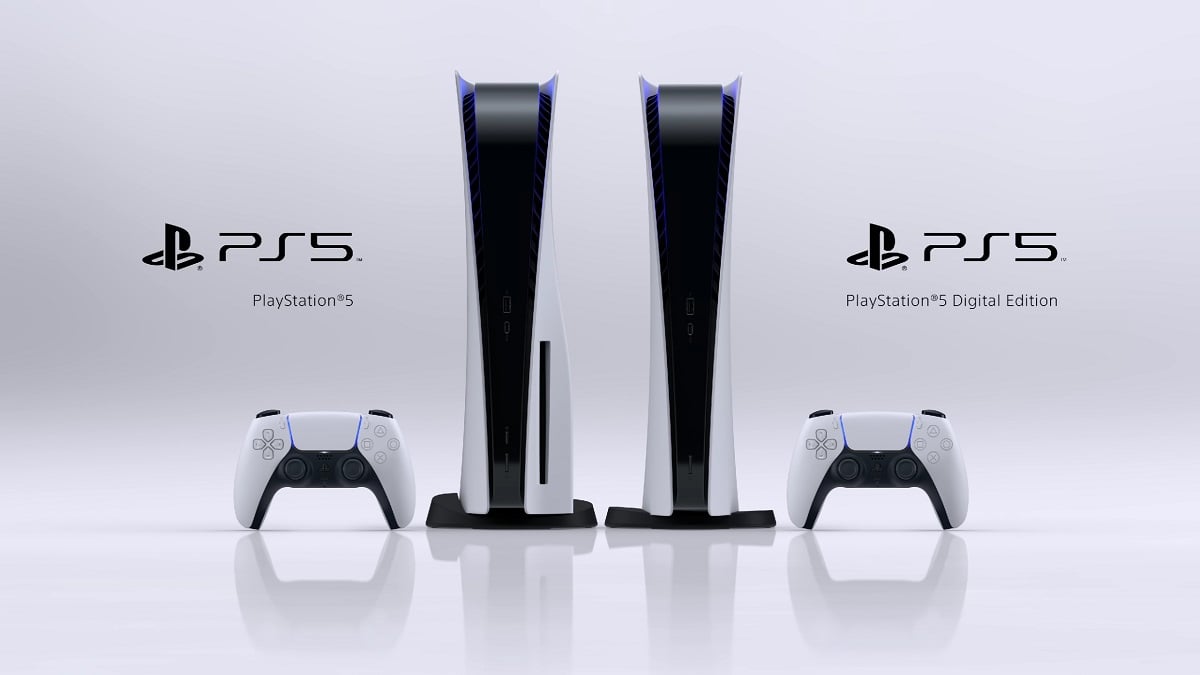
Fans are able to pre-load the game onto their PS5, X-BOX, Switch, or PC starting now if they would so like to. If you are using a PC, one thing you will need to do before they pre-load the game is create a Battle.net account. Users should also make sure that they enable automatic updates on the device that they are using to play the game.
If you do not have automatic updates enabled, that is fine. You will need to complete a few more steps. The first thing that you will need to do is go to Overwatch in the client. Next, you will press the gear symbol that is next to the ‘Play’ button. Finally, you will need to press ‘Check for Updates,’ which means that you are good to go when the game is released. Any PC users should make sure that they have at least 30GB available for any download, as that is what Overwatch 2 will require.
If you own a PS4 or PS5, you have it easy. All you will need to do is go to the original Overwatch game. After that, you will press ‘Check for Updates’ and you will be good to go. You should also make sure that you have automatic updates pressed as well. This is the same process for those who are using an Xbox console or Nintendo Switch console. The key for anyone using a console is to make sure that their automatic updates are pressed. That is how the game will know to update once it is time to get going.




Published: Oct 4, 2022 08:39 pm