


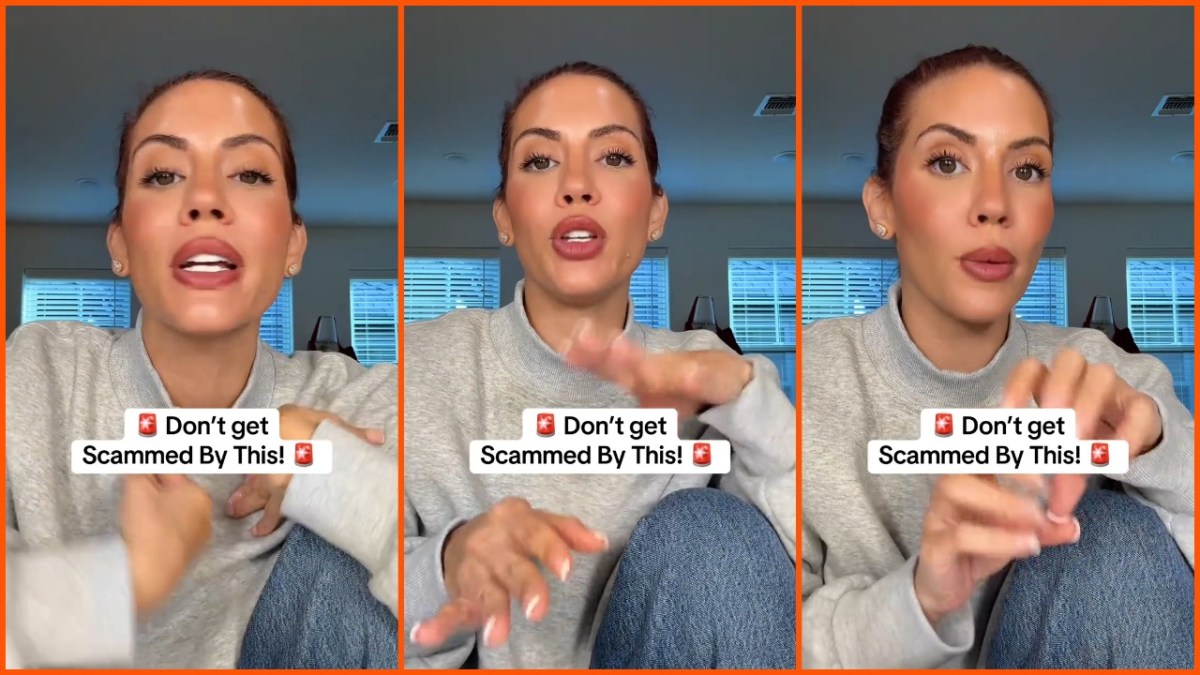

A suspicious meeting invitation that appeared on a woman’s Google Calendar without her knowledge left her warning others about a scam that nearly caught her off guard. Ingrid Schmidt said in a TikTok video posted under the caption “Change this one setting so you don’t get scammed (like I almost did)” that she spotted the unexpected event while checking her calendar.
Schmidt described herself as someone who is usually careful with technology. She explained that she has been using her Google Calendar and Apple Calendar more often lately because she is busy and checks them frequently. About three days earlier, she said, she noticed an odd event that immediately stood out.
She stated that the invitation used wording she would never write herself. Schmidt said the event title read “Super important meeting, must attend.” She added that the language sounded unusual and “backwoods” to her, which made her suspicious right away.
Google Calendar users can limit invitations from unknown senders
Schmidt said she opened the event and saw a Microsoft Teams link inside it, but she did not click the link. She claimed she then went to her computer to investigate and learned that similar calendar invitations are being used in scams. Schmidt said that clicking the Teams link in those invitations can put people at risk of losing access to their accounts or money.
She told viewers they can reduce the chance of seeing these invitations by changing one setting. Schmidt instructed people to open Google Calendar on a computer, go to the settings gear, and turn off the option that allows anyone to add invitations. She said the setting should instead show that only emails she recognizes can add events.
According to the Google Calendar Help page, users can open Google Calendar settings, go to Event settings, and select “Only if the sender is known” under “Add invitations to my calendar.” Google stated that this choice adds an event only if the sender is in the user’s contacts, part of the same organization, or someone the user has previously interacted with. Privacy settings matter on other platforms too, such as a social media setting that exposes phone numbers.
The same page explained that users can report a suspicious event as spam. Google said reporting removes the event from the calendar, and that all events in a repeating series are removed if the invitation is recurring. The page noted that this option works only for events sent through Google Calendar itself.
A Cyber Unit report stated that attackers have been sending Google Calendar invitations containing links or phone numbers meant to collect login details or payment information. The article said these invitations can still reach calendars even when email filters catch the original message, because they arrive through Google’s own systems. It reported that Google Workspace administrators gained the ability in August 2026 to enforce the known-senders setting across an entire organization.
Viewers who watched the video shared a range of reactions in the comments. One person said the same thing had happened to them and wrote, “THIS HAPPENED TO ME!!!!!” Another commenter stated, “They’ve ruined the internet.” A third person wrote, “Best lesson, keep all Google apps to the bare minimum.”
Some viewers suggested stepping away from digital tools altogether. One commenter said, “I think we should begin to relay again on our personal notebooks and calendars. Everything is so digitalised and scary.” Another person explained how they handle similar messages and wrote, “I’ve had these emails I just block and delete.”
One commenter pushed back on the idea that simply clicking the link automatically leads to a hack. They wrote, “clicking the link doesn’t automatically gets you hacked. it’s phishing and you will be tricked into taking another action.” Phishing works the same way in other scams, like an airline refund email asking for card details.








Published: Nov 23, 2026 12:00 pm