


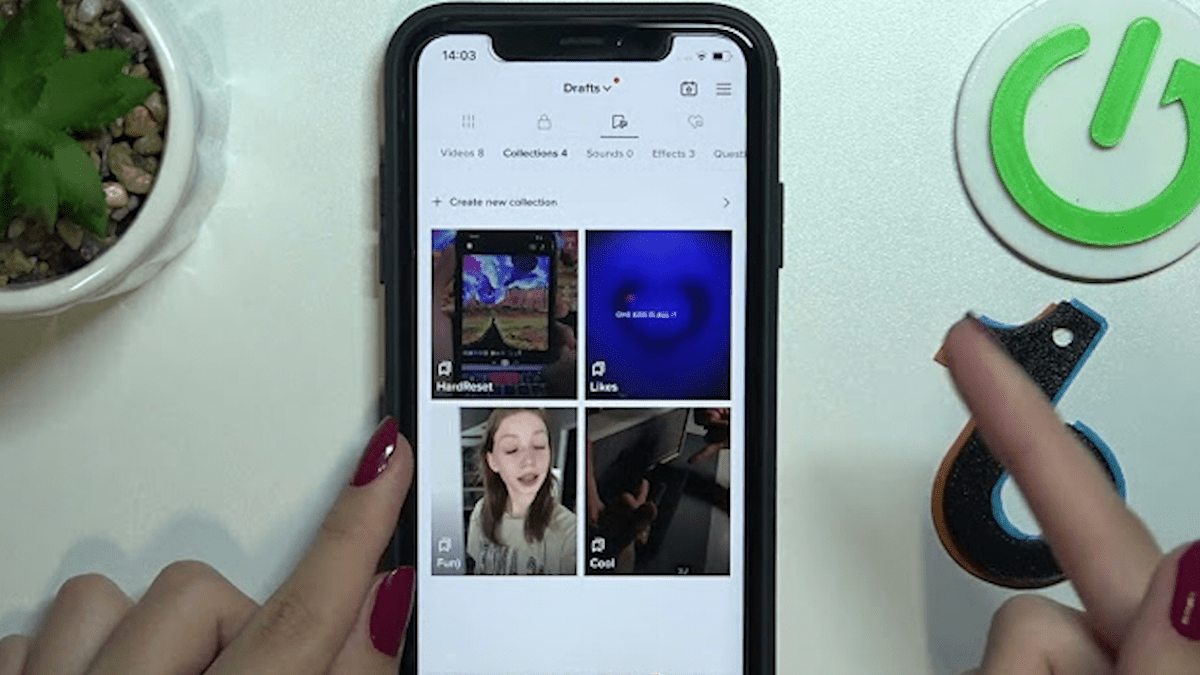

TikTok collections was released in 2022, giving users an opportunity to favorite and organize videos that they may want to save for later.
Users can favorite videos by simply tapping on the bookmark on the right-hand column of the video. To create a collection tap on “Manage” on the notification that pops up on the bottom.
From there you can name a collection and add that video to it. Users can also create collections by heading to their profile and going to the “Favorites” tab. Then tap “Collections” and “Create new collection.”
Favorites aren’t just for videos. You can also favorite sounds and filters under their respective tans when creating a video. However — currently — only videos can be organized into collections.
If you decide you no longer want to keep collections, simply tap on it and hit the arrow in the top right corner. A pop-up menu will appear giving you the option to make the collection public, change the collection’s name, and delete the collection.
If you delete your collection, the videos underneath it will remain in your favorites section. To remove them simply go to the “Posts” tab, tap the video, and click the bookmark button. That will remove the video from your favorites tab altogether.
You can also hit “manage videos” at the top of the collection to move and remove videos from collections.
Making your collections public will allow you to share your favorite videos with your followers. Now you can create, share, and organize all the ideas that you have and that you love on TikTok.









Published: Aug 7, 2023 12:59 pm